Multi-level BOM
By-products, scrap and alternative materials; revisions can be restored.
The Depologi Production module works with Mikro V17's own work-order records. Materials are issued to production and subcontractors by barcode, operations are completed with Start/Finish on the shop-floor handheld, and consumption is calculated from the BOM. With Quality and Twin Factory, the whole plant is visible on one screen.
Work order = Mikro record · Subcontract issue & return · Shop-floor handheld · Enterprise add-on
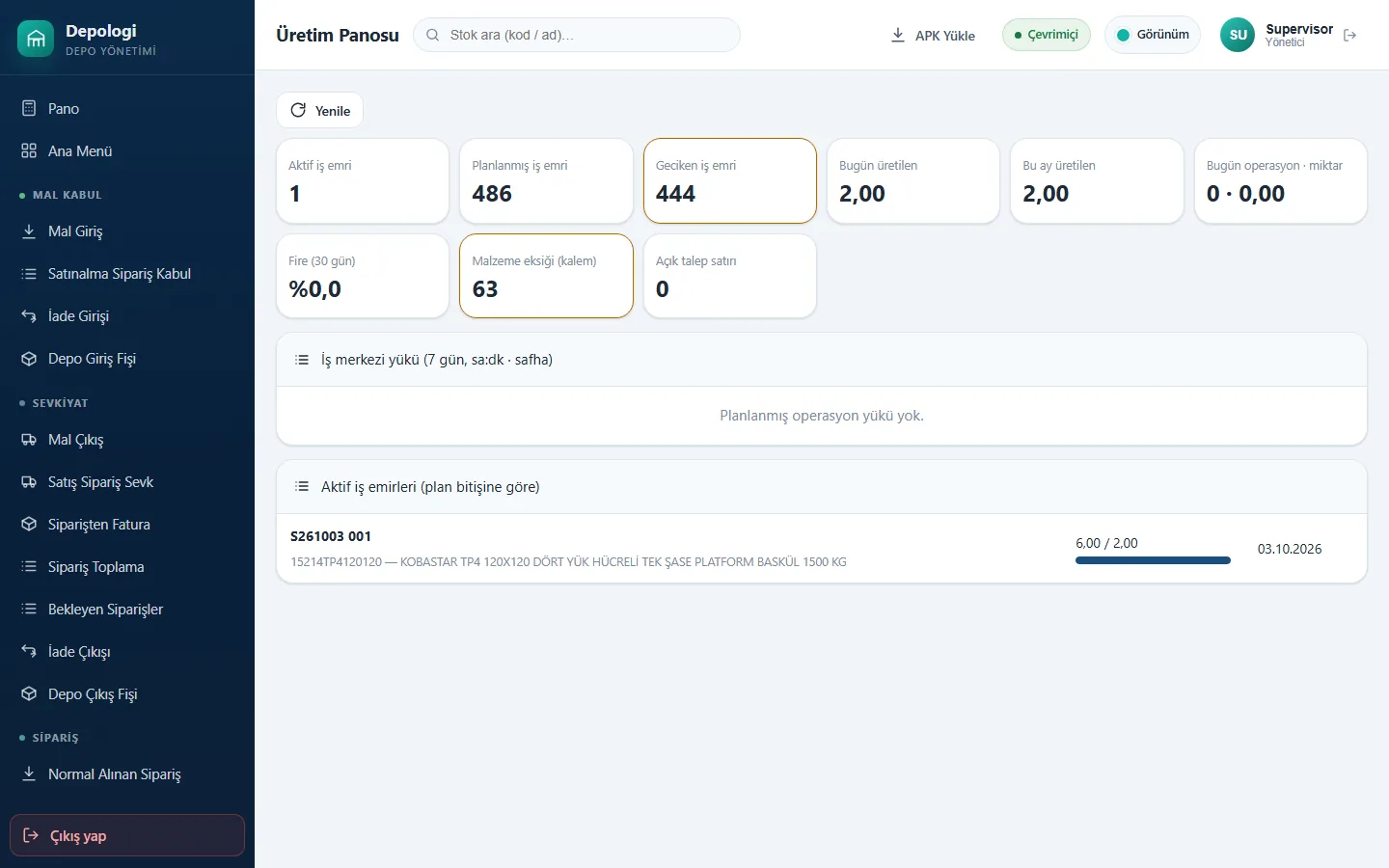
By-products, scrap and alternative materials; revisions can be restored.
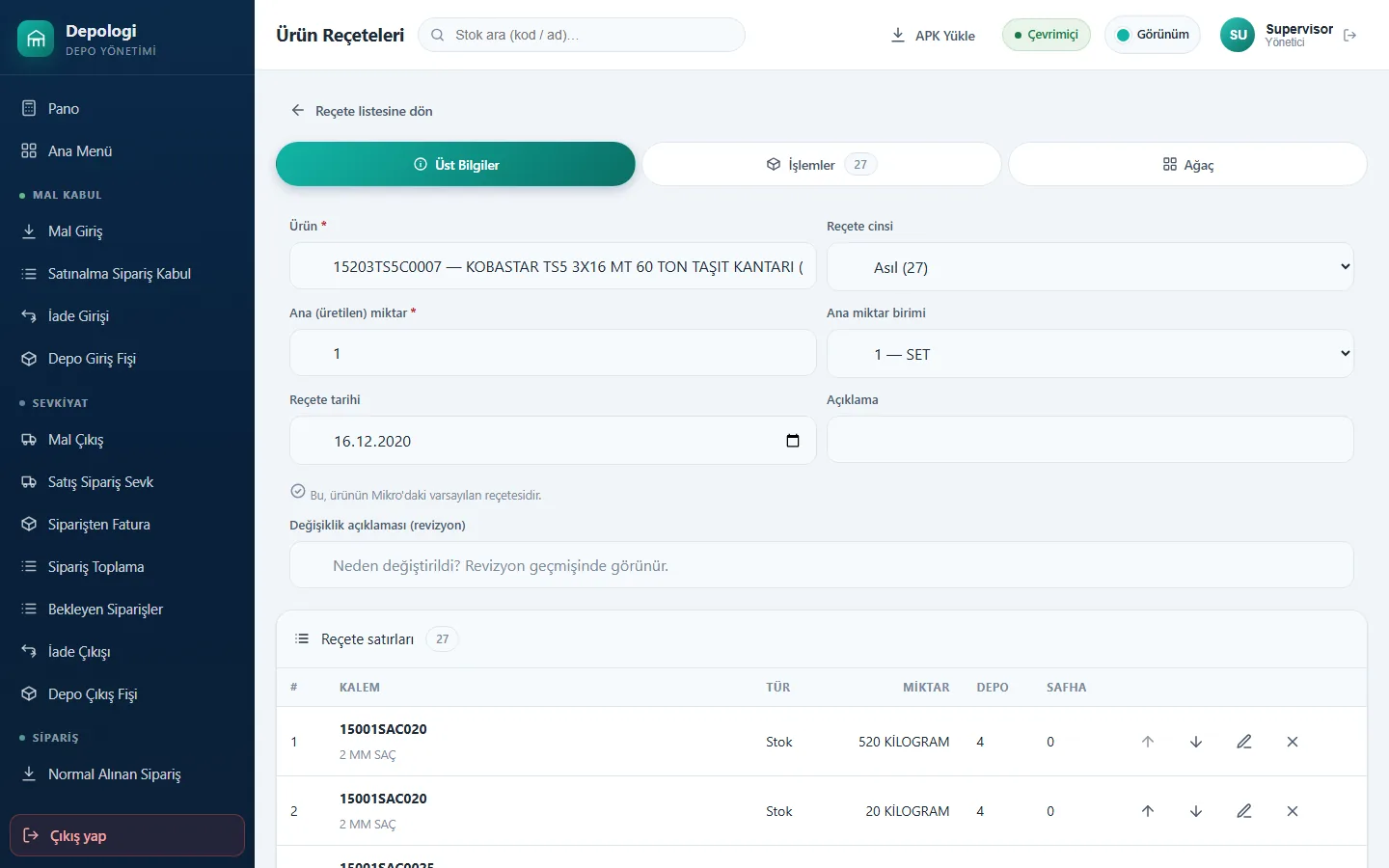
Opened freely, from orders or from production requests; the same record as Mikro ISEMIRLERI.
Materials go to production or subcontractors by barcode; returns are scanned back.
Start/Finish, scrap quantity, delay and error codes on the shop-floor handheld.
Consumption = usage × quantity × (1 + scrap) from the BOM; net-requirement planning suggestions and a production board.
Sampling against Mikro quality definitions and CAPA; the production hall and docks in 3D in Twin Factory.
A work order is opened from an order or request and a material plan is prepared.
Raw materials are scanned out to production or subcontractors.
Operations are started and finished on the handheld; scrap and error codes recorded.
Finished goods are scanned in; consumption and cost appear in Mikro.
Documents are in Mikro the moment they are saved: no overnight sync, Excel or staging tables.
There is simple forward scheduling; capacity conflicts are not considered. Net-requirement planning suggestions are produced.
Costs are read from Mikro's own work-order cost analysis; there is no separate costing engine.
Production is an add-on for Enterprise only. Quality and Twin Factory can be added to Professional and Enterprise.
No. Data comes from handheld scans and Mikro documents; Twin Factory needs no sensors or drawings either.
In a screen-share call we scan a document on the handheld and open it together in Mikro V17. No sales pressure: we work out the right package with you.
The Depologi team will get back to you shortly. Want to start now? Begin the 7-day free trial.