Controlled shipments
Inter-warehouse orders from the central warehouse ship freely or with mandatory scanning; serials and lots are preserved.
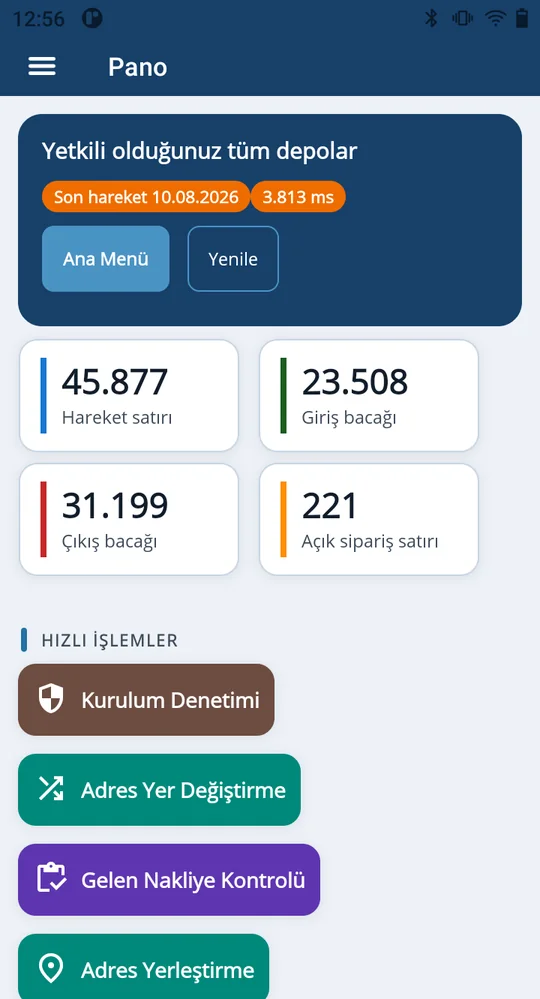
Every box moving between the central warehouse and your stores leaves a trace in Mikro V17. With Depologi, store staff scan inbound shipments, look up price and stock at the shelf and split counts across teams, while replenishment orders open automatically at a set time.
Inter-warehouse transfer & transit · Inbound transit check · Scheduled auto-replenishment · Scale & GS1 barcodes
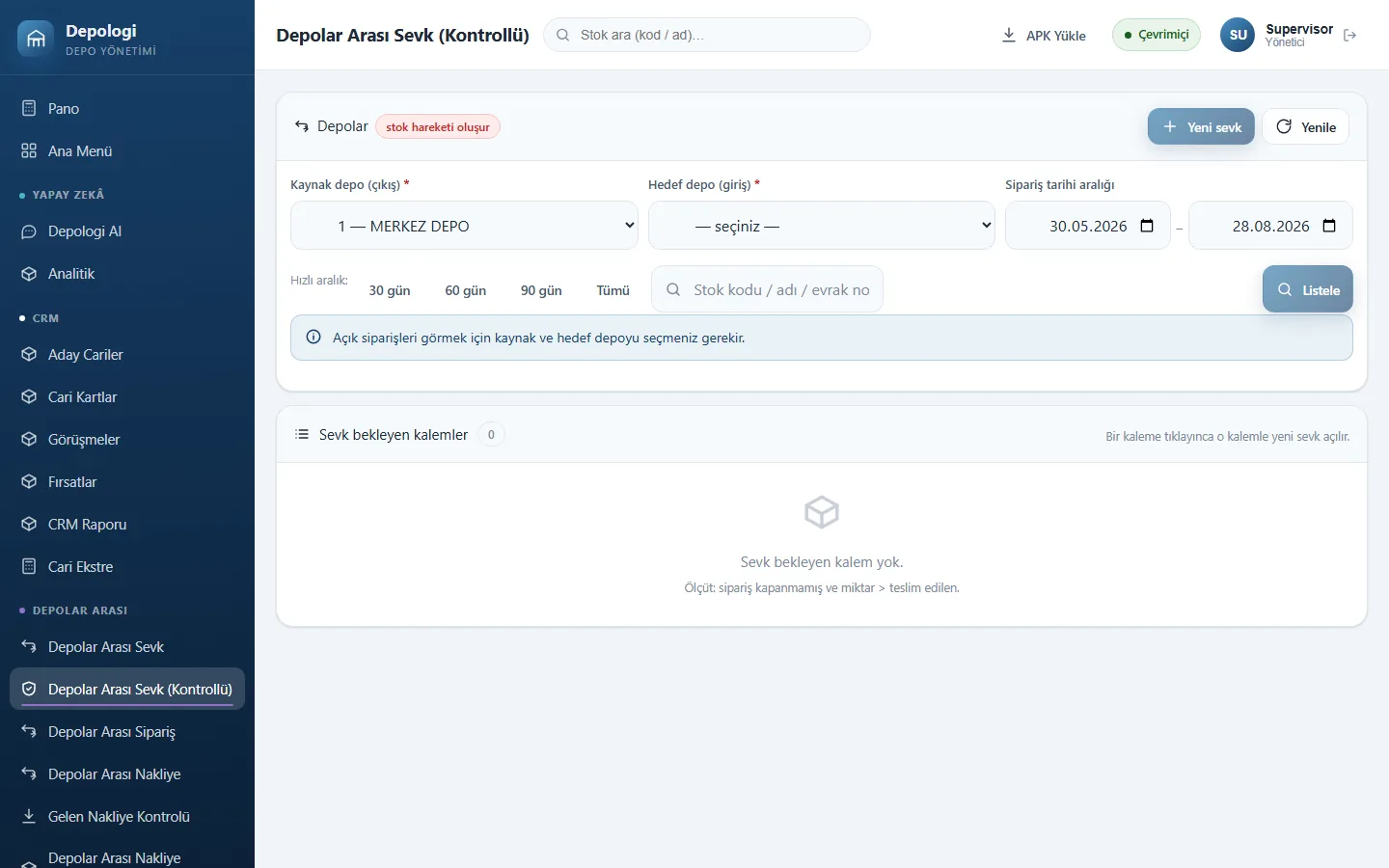
Inter-warehouse orders from the central warehouse ship freely or with mandatory scanning; serials and lots are preserved.
The store scans incoming goods. Missing quantities stay in the transit warehouse and cannot be closed without a reason.
Replenishment orders open automatically at a set time based on min/order/max levels.
Stock Detail shows quantity, price, barcode, lot, serial, alternative and pack items on one screen.
Count sheets are assigned to handhelds and count columns 1–4; variance report and finalisation sit with the supervisor.
Print shelf labels from drag-and-drop templates; EAN-13/EAN-8 scale labels (27/28/29 prefix, PLU, grams) are decoded.
Store needs are calculated from min/max levels and sent as an inter-warehouse order.
The central warehouse scans and ships; goods move to transit.
The store scans the inbound shipment; shortages stay in transit with a reason.
Shelf counts and price checks from the same handheld; results go to Mikro count results.
Documents are in Mikro the moment they are saved: no overnight sync, Excel or staging tables.
Inter-warehouse orders, transfers and transit are in the Professional and Enterprise packages. Starter is for single-warehouse businesses.
Yes. Any Android 7.0+ device works; phones without a scanner use the camera.
A free Android app for counting and price lookup is available in this site's downloads. The full Depologi product has a 7-day free trial.
Offline screens queue operations and send them exactly once when the connection returns.
In a screen-share call we scan a document on the handheld and open it together in Mikro V17. No sales pressure: we work out the right package with you.
The Depologi team will get back to you shortly. Want to start now? Begin the 7-day free trial.